
Ever set up cart recovery emails, only to watch the abandoned-cart list keep growing while your inbox stays quiet?
A common frustration among OpenCart merchants is installing an abandoned cart extension, configuring it, and then discovering days later that no recovery emails were ever sent, even though the module appears to be working.
The fix isn’t more manual effort. A working OpenCart Abandoned Cart Plugin runs the full email sequence on its own, and store owners searching for a cart recovery extension for OpenCart usually land here right after manual follow-up stops scaling.
The gap between doing this by hand and automating it is well documented. Baymard Institute reports that the average cart abandonment rate is above two-thirds for all online carts, and three-email sequences have been shown to generate roughly 6.5x more revenue than single-email reminders, according to recent Klaviyo flow data.
Why an OpenCart Abandoned Cart Plugin Needs More Than One Reminder
A single reminder typically reaches only shoppers who were already close to completing their purchase, those interrupted by a phone call, a browser crash, or a momentary distraction. Recovering the remaining abandoned carts often requires a more thoughtful follow-up strategy that re-engages customers and gives them a compelling reason to return.
Some abandon over an unexpected shipping cost they want to double-check first. Others are comparing prices across browser tabs and simply forget to return. A recovery sequence spread across three emails gives each of these shoppers a separate chance to reconsider, instead of betting the whole recovery effort on one message landing at exactly the right moment.
What a Working Email Sequence Looks Like
Most stores running an OpenCart cart reminder module default to a three-step sequence, because it matches shopper behavior without overcomplicating the setup:
- Email 1, within 30-60 minutes: a plain reminder while checkout friction is still fresh.
- Email 2, around 18-24 hours later: address the hesitation directly, sometimes with a small incentive.
- Email 3, between 48-72 hours: a final nudge, often the one carrying a discount coupon email.
That sequence is short enough to feel timely and long enough to reach shoppers across different browsing habits.
Where Automated Cart Emails Quietly Stop Working
Automated cart recovery workflows can stop functioning without any visible warning, making the issue easy to overlook until recovery rates begin to decline. The following three issues are among the most common causes reported by OpenCart merchants and support teams.
First, guest checkout. If a shopper never enters an email address before abandoning, there’s no follow-up email to send, and no address exists on the cart record.
Second, minimum cart value rules. Store owners often set a threshold to avoid emailing shoppers over trivial amounts, then forget it’s active, so low-value abandonments get silently skipped.
Third, and most common: the cron job isn’t running. OpenCart abandoned cart tools depend on a scheduled task to mark carts and trigger the send; if that job was never added to the server, or stopped after a hosting migration, the whole sequence goes dark while the admin panel still looks correctly configured.
The OpenCart Abandoned Cart Plugin Built Around These Failure Points
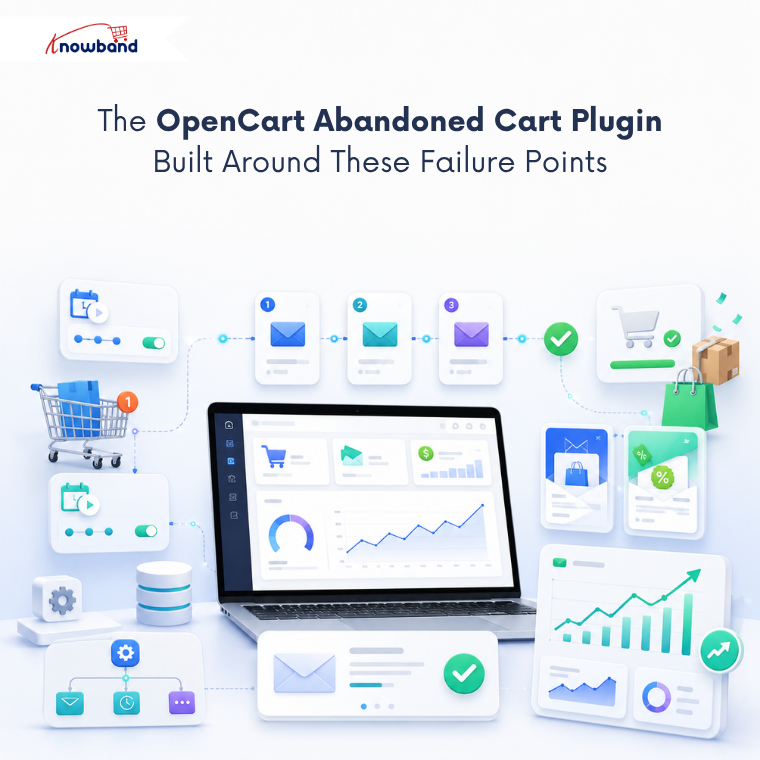
This is where dedicated solutions earn their place, rather than relying on manual emails and spreadsheet tracking. Knowband’s OpenCart Abandoned Cart Plugin handles the entire cycle automatically, built specifically around the three failure points above.
It runs two scheduled cron tasks, one to mark carts abandoned, one to trigger the send, so emails keep going out without anyone opening the admin panel daily. Store owners can build both discounted and non-discounted templates and assign each to a specific stage of the sequence.
A built-in Analytics tab compares abandoned carts against converted carts, so the store owner sees the actual conversion rate instead of guessing. There’s also a Test Mode that sends templates to a chosen address before they reach a real customer.
As an OpenCart cart reminder module, it’s built for stores that want the sequence running unattended rather than checked by hand every day.
Confirming the Cron Setup Actually Works
Skip this and nothing above matters. Both scheduled tasks need to be added through the server’s cron manager, cPanel, or SSH, and set to run at least hourly.
Once that’s confirmed, the module’s settings handle the rest: how long before a cart counts as abandoned, the minimum cart total for eligibility, and which template fires at which stage. Get it right once, and it keeps running through hosting changes and staff turnover without anyone remembering to check.
For stores running Knowband’s OpenCart Abandoned Cart Emails extension, this one-time cron setup is the only manual step in this automated extension.
Turning Automated Emails Into Recovered Revenue
Recovering lost orders isn’t about sending more emails; it’s about sending the right three, on schedule, without needing a person to trigger them. A single generic reminder recovers a fraction of what a properly timed sequence pulls back, and that gap only grows as a store scales.
If you’re evaluating tools for this, judge the OpenCart Abandoned Cart Plugin you pick by whether it automates the full cycle, cron-driven sending, stage-based templates, visibility into what’s converting, rather than just logging abandoned carts for you to email by hand. Knowband built its OpenCart Abandoned Cart Emails extension around exactly that gap, and for stores still doing this manually, closing it is usually the fastest revenue fix available.
For more such reads, you can visit:


